iPhone vs Android: Which Smartphone Is Actually Better for Disabled Users?
iphone-vs-android-accessibility-features-2026
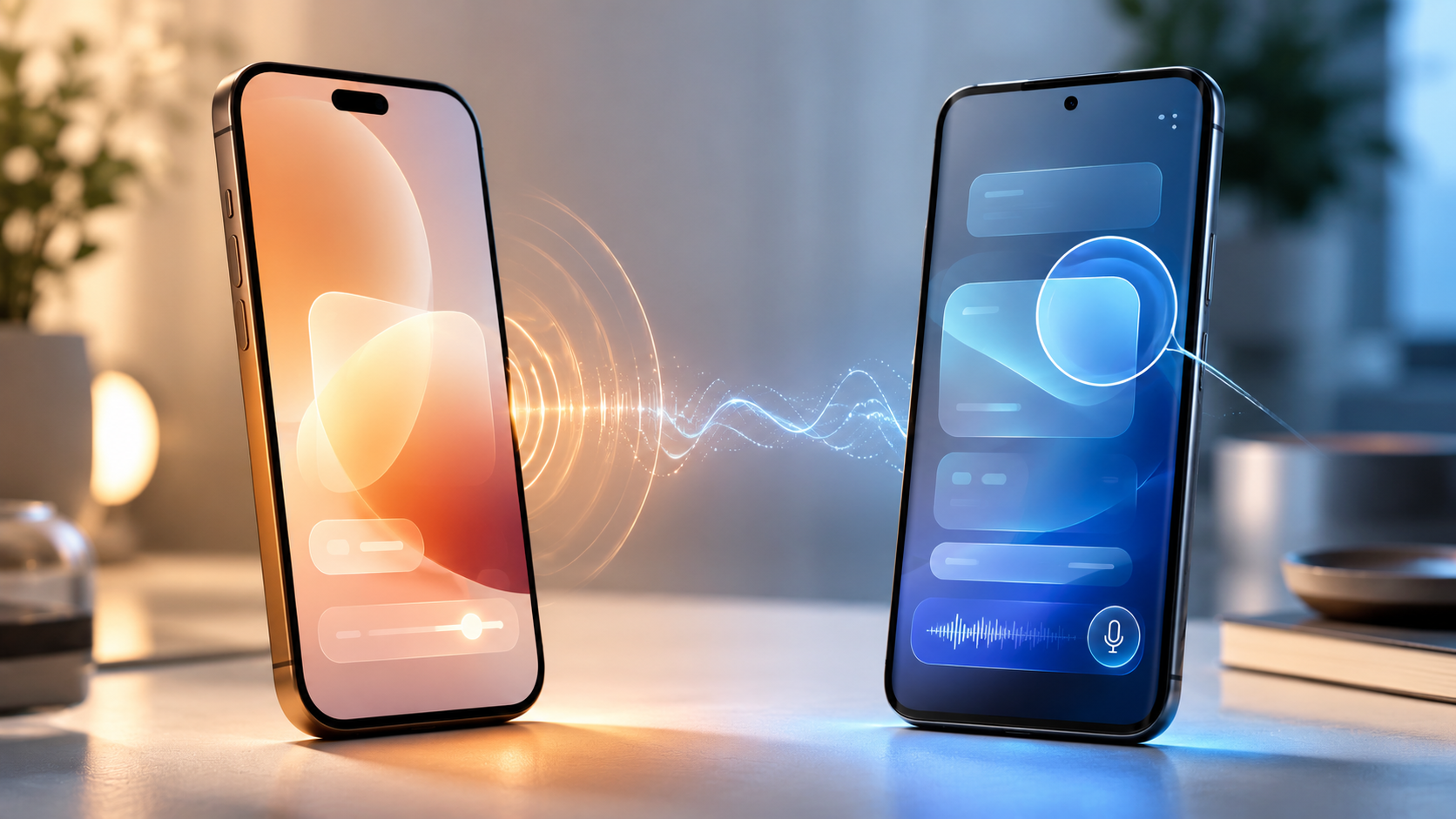
Every year, both Apple and Google release lengthy accessibility changelogs that read more like press releases than honest product evaluations. For the millions of people with visual, hearing, motor, or cognitive disabilities who depend on their smartphone as an essential life tool — not a luxury device — the real question isn't which company published the longer list. It's which phone actually works better when you need it most. We went through the full 2026 feature sets for both iOS 27 and Android 16, category by category, to find out.
---
Round 1: Vision — Screen Readers
iOS 27: VoiceOver + Apple Intelligence
VoiceOver has been the gold standard of mobile screen readers for over a decade, and iOS 27 takes it further. Apple is expanding VoiceOver with Apple Intelligence, bringing more detailed descriptions of photos, bills, personal records, and visual content via a new Image Explorer feature. Live Recognition lets users press the Action Button to ask a question about what their camera is pointing at, and then ask follow-up questions for a fuller understanding. VoiceOver supports over 40 languages with downloadable enhanced-quality voices that sound genuinely natural, and it works across every app that follows Apple's accessibility guidelines — which, on iOS, is most of them, because Apple enforces it.
Android 16: TalkBack + Gemini
TalkBack now includes a two-finger double-tap gesture that starts or stops voice dictation when using the Google Keyboard. Users can issue spoken commands to revise text. TalkBack also announces additional formatting information including text styles and colour, and introduces an enhanced keymap with expanded shortcuts and a dedicated browse mode for navigating web content. Gemini-powered voice dictation within TalkBack enables typing and text editing using natural commands — say "replace Monday with Tuesday" to fix a mistake, or ask Gemini to shorten a message.
Verdict: iOS wins. VoiceOver's consistency across third-party apps is unmatched — Apple enforces accessibility compliance at the App Store level in a way Google cannot on Android's fragmented ecosystem. The Apple Intelligence integration in iOS 27 also goes further than TalkBack's Gemini additions in real-world visual description depth. TalkBack has meaningfully closed the gap, but it hasn't closed it.
---
Round 2: Vision — Magnification
iOS 27: Magnifier
Magnifier gets a boost from Apple Intelligence in iOS 27, with improved visual description and a high-contrast interface for users with low vision. It now includes a Live Recognition mode tied to the Action Button, and Accessibility Reader — which reads out content on images and documents — has been improved to handle complex multi-column layouts, tables, and images, with on-demand summaries and translation support.
Android 16: Magnifier + Lookout
Android 16's Magnifier adds real-time text search that highlights matching words as the camera moves, with haptic feedback when results are found. Google's Lookout app uses computer vision to describe surroundings, objects, and documents — a solid tool, though it exists as a separate app rather than being baked into the system the way Magnifier is on iOS.
Verdict: Tie. Both are strong. iOS Magnifier is more deeply integrated into the system. Android's Lookout offers more open-ended scene description and is available on a wider range of hardware. Call it even.
---
Round 3: Hearing — Captions and Subtitles
iOS 27: Generated Subtitles + Live Captions
iOS 27 adds auto-generated subtitles for personal videos, images, and spoken audio — including clips recorded on iPhone and content received from friends and family — processed entirely on-device, so nothing is sent to a server. This means private family videos and personal memories get subtitles just as readily as streamed content. Live Captions have been on iOS since iOS 16, covering phone calls, FaceTime, and web content in real time.
Android 16: Live Caption + Expressive Captions
Android's Live Transcribe can interpret sounds and words in over 70 languages into on-demand transcribed content. Expressive Captions in Android 16 now detect and display the emotional tone of speech — tagging captions with cues like [joy] or [sadness] — adding context to conversations and media beyond just transcribed words.
Verdict: Android wins — narrowly. Live Transcribe's 70-language support is considerably broader than Apple's English-first rollout for generated subtitles. And Expressive Captions' emotional tone tagging is a genuinely thoughtful addition that goes beyond what iOS offers today. Apple's privacy argument (on-device processing for personal videos) is compelling, but language breadth matters more for a global audience of deaf and hard-of-hearing users.
---
Round 4: Hearing — Name Recognition and Alerting
iOS 27: Name Recognition
Name Recognition, which notifies users who are deaf or hard of hearing when someone says their name, now works across more than 50 languages globally. Sound Recognition continuously listens for specific sounds — doorbells, baby crying, fire alarms, dogs barking, running water — and maps each to a vibration, notification, or flash alert. A deaf parent can set their iPhone to vibrate and flash when their baby cries in another room. Music Haptics syncs the iPhone's Taptic Engine to the rhythm of songs, letting deaf users feel music rather than just miss it.
Android 16: Sound Notifications
Android's Sound Notifications feature connects sounds in the home — fire alarms, doorbells — to automatic on-screen notifications, without requiring smart home technology to be installed.
Verdict: iOS wins clearly. Music Haptics alone is a feature with no Android equivalent. Name Recognition across 50 languages and the granularity of Sound Recognition's mapping system push iOS significantly ahead in this category.
---
Round 5: Motor — Voice Control
iOS 27: Voice Control with Natural Language
Voice Control gains natural language capabilities in iOS 27, allowing users to navigate and control their iPhone using everyday phrasing rather than memorised commands. The feature arrives in English first, with expansion to more languages expected after launch.
Android 16: Voice Access + Gemini
Android's Voice Access can now be launched entirely hands-free — say "Hey Google, start Voice Access" to begin controlling the phone without ever touching the screen. Once active, Gemini-powered commands let users edit text, navigate apps, and issue complex instructions using natural speech.
Verdict: Android wins. The ability to invoke Voice Access completely hands-free — without touching the screen at any point — is the critical difference for users with severe motor impairments. For someone who cannot tap the screen at all, "Hey Google, start Voice Access" is a meaningful capability iOS doesn't yet match at launch time. iOS's natural language understanding inside Voice Control is strong, but you still need to activate it manually first.
---
Round 6: Motor — Switch Access and Adaptive Hardware
iOS 27: Switch Control + Sony Access Controller
iOS 27 adds support for the Sony Access controller as a game controller on iOS, with full customisation of the thumbstick, nine built-in buttons, and up to four additional external buttons or specialty switches. Users can combine two controllers for a deeply personalised setup. Touch Accommodations also gain new personalisation options, and the MagSafe-based Hikawa Grip & Stand — developed in collaboration with people with disabilities affecting grip, strength, and mobility — is now available globally through the Apple Store.
Android 16: Switch Access + AutoClick
Android 16's AutoClick improves the dwell cursor experience for users who find clicking difficult — the cursor clicks automatically after pausing over something for a set duration, and the type of click can be customised: left-click, right-click, double-click, long press, scroll, or drag. Switch Access lets users interact with Android without touching the screen at all, using one or two external buttons.
Verdict: Tie. Both platforms handle switch access and adaptive hardware seriously. Apple's Sony Access controller integration and the physical MagSafe adaptive accessory are strong additions; Android's AutoClick dwell-cursor improvement is specifically useful for users with tremors or limited precision. Neither platform has a decisive lead here.
---
Round 7: Sign Language
iOS 27: FaceTime Interpreter API
A new API in iOS 27 lets developers add a human sign language interpreter to an ongoing FaceTime video call, enabling smoother communication for deaf users in personal conversations and professional meetings alike.
Android 16
No equivalent feature exists in Android 16 at the system level. Third-party interpreting services exist, but none are integrated at the OS layer.
Verdict: iOS wins. There's no Android equivalent of this and it's a meaningful gap for deaf users who rely on sign language as their primary communication mode.
---
Round 8: Low Vision — Display and Colour
iOS: Colour Filters and Display Accommodations
iOS offers colour filters for Protanopia, Deuteranopia, and Tritanopia, as well as general colour tint options. Spoken Content features include Speak Selection (hear any selected text) and Speak Screen (read the entire page with a two-finger swipe from top to bottom).
Android 16: Expanded Dark Theme
Android 16 introduces an expanded dark theme option that automatically darkens most apps on the device, including those without their own native dark theme, creating a more consistent and comfortable viewing experience for people with low vision or light sensitivity. Colour correction and inversion have been on Android for years.
Verdict: Tie. Both platforms cover the fundamentals — colour filters, contrast modes, large text, inversion. Android's forced dark mode across all apps is genuinely useful for users with light sensitivity. iOS's display accommodations are more granular. Neither has a decisive lead.
---
Round 9: Consistency Across Devices
This is where the comparison stops being about individual features and starts being about real life.
iOS's accessibility features work consistently across every device Apple makes — iPhone, iPad, Mac, Apple TV, Apple Watch, and Apple Vision Pro. Generated subtitles in iOS 27 appear automatically on iPhone, iPad, Mac, Apple TV, and Apple Vision Pro. A blind user who has learned VoiceOver on their iPhone picks up a Mac and finds the same system working the same way. That cross-device coherence is not a small thing when accessibility tools require muscle memory to use effectively.
Android's story is murkier. Core features like TalkBack and Switch Access work across devices, but manufacturer skins — Samsung One UI, Xiaomi MIUI, OnePlus OxygenOS — implement, modify, and sometimes break accessibility features in ways Google cannot fully control. A Pixel phone will have a different accessibility experience from a Samsung Galaxy running the same Android version, and budget devices often arrive with stripped or poorly implemented versions of these tools. For disabled users in India, where a significant portion of the Android market is mid-range and budget devices, this fragmentation is not an abstract concern.
Verdict: iOS wins, significantly. Consistency and reliability are not secondary concerns for people whose communication, navigation, and independence depend on these tools working correctly every time.
---
The Final Verdict
| Category | Winner | |---|---| | Screen Reader | iOS | | Magnification | Tie | | Captions & Subtitles | Android | | Sound & Name Alerting | iOS | | Voice Control | Android | | Switch & Adaptive Hardware | Tie | | Sign Language | iOS | | Display & Colour | Tie | | Cross-Device Consistency | iOS |
Overall winner: iOS, for most disabled users.
iOS 27 wins five of nine categories outright, and the categories it wins matter most — screen reading, sound alerting, sign language integration, and cross-device consistency. These are foundational, daily-use tools for blind, deaf, and motor-impaired users, not niche additions. The Apple Intelligence integration into VoiceOver and Magnifier in iOS 27 specifically marks a meaningful step forward that Android's Gemini additions in TalkBack haven't fully matched yet.
Android's wins — captions breadth in more languages, and hands-free Voice Access activation — are real and important, particularly for users in non-English-speaking markets and those with severe motor impairments who cannot touch the screen at all. If either of those is your primary accessibility need, Android's advantages in those specific areas deserve serious weight in your decision.
The honest caveat is this: Android's best accessibility experience — on a Pixel 9 running Android 16 — is genuinely strong and competes seriously with iOS. The problem is that "Android's best" and "the Android most people buy" are not the same device. iOS's accessibility advantage is partly a hardware story: when you buy an iPhone, you get the same software as every other iPhone owner. When you buy an Android phone, what you actually get depends enormously on which manufacturer made it, at what price point, and whether they bothered to implement accessibility features properly.
For a disabled user choosing their next phone, the honest recommendation is: if your budget allows for a recent iPhone, the overall accessibility ecosystem is more reliable, more consistent, and — as of iOS 27 — more intelligently powered. If budget is a constraint, a Google Pixel on Android 16 is a strong alternative. A budget Android from any other manufacturer is a gamble you probably shouldn't take on features you depend on.
---
Sources consulted: Apple Newsroom accessibility previews (May 2026), Apple.com/accessibility, Google Android accessibility blog, American Foundation for the Blind (AFB) Android accessibility review, MacRumors, BGR, iDropNews, AppleVis, Android Developers documentation.